















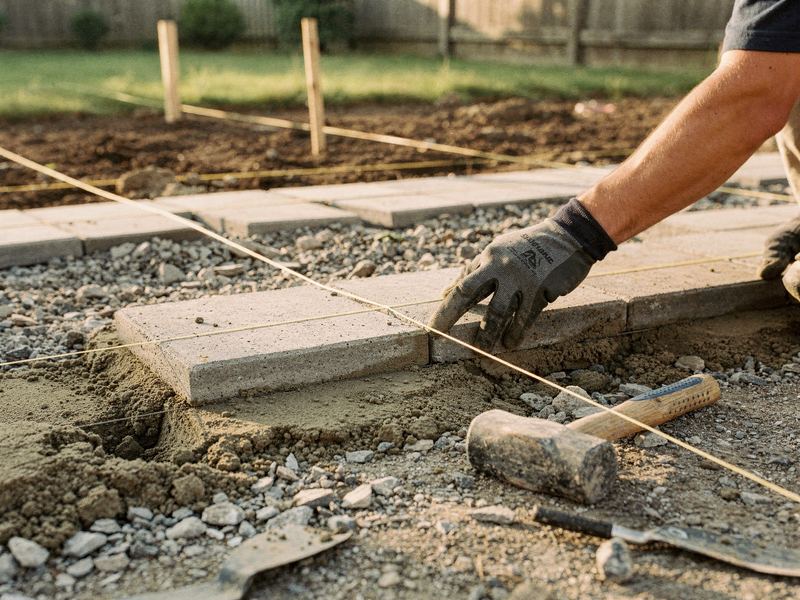
A design-build landscaper selling bigger projects
An example playbook for a design-build landscaper who wants more patio, wall and full-yard projects and fewer small quotes that never go anywhere.
The situation
This is an example, not a customer story. Say you started out mowing lawns and grew into design-build. Today you have a design lead, two install crews and a small maintenance crew. The installs are the work you're proudest of and the work you want more of: paver patios, retaining walls, planting plans, lighting and full backyard makeovers.
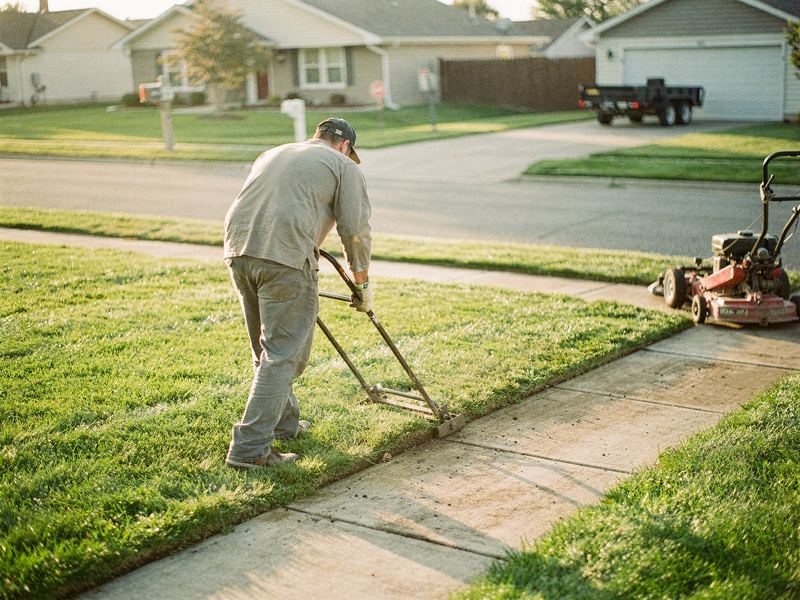
But your website and Google profile still read like a lawn care company, because that's how they were set up years ago. So the inquiries are mixed. Some people want a quote on a single shrub or a load of mulch. Some want a full backyard on a budget that doesn't match the job. A few are exactly the projects you want, and they arrive in the same inbox as everything else.
You spend evenings driving to consultations, measuring and sketching ideas for free. Some turn into signed projects. Many go quiet after the proposal. Your best project photos are on your phone and your design lead's phone, and your maintenance customers, who already trust you, often don't know you build patios at all.
What's getting in the way
- Your site sells the wrong work. Big-project buyers don't see big projects, so they assume you're too small.
- Free consultations with no filter. You give away design time to people who were never going to build.
- Photos stuck on phones. Your finished projects aren't shown anywhere, let alone with the story behind them.
- One number on a PDF. Proposals go out a week later as a single price, with no options to choose between.
- Silence after the proposal. Nobody follows up, so a quiet customer becomes a lost one.
- Bad timing. People plan projects in the off-season and want them built in spring, when you're too busy to sell.
The plan
Week 1: Choose the work you want
- You run the free AI report to see how you show up for searches like "patio installation near me" compared with "lawn care service", and who ranks ahead of you.
- You pick the project types to sell, such as patios, retaining walls, planting and lighting, and full-yard design, and decide which small jobs you'll stop chasing.
- You set a minimum project size and a typical range for each project type, based on your own past jobs. Zome turns these into plain-language guidance for your site.
- You and your design lead gather your best finished projects: before, during and after photos, plus two lines on each about what the homeowner wanted and what you built.
Weeks 2 to 4: Build the pages and the consultation path
- Zome builds a design-build section on your site, separate from maintenance, with a page for each project type, a gallery filtered by project type and a "how a project works" page: consultation, design, proposal, build and final walkthrough.
- The consultation request form asks what the project is, the rough size of the space, for photos of the yard, the timeline, a budget range from options you choose and how they heard about you. You decide whether consultations are free, paid or credited against the build, and you confirm each one.
- Proposals move to a good, better, best layout. For example, a patio in two materials, plus a third option with a seat wall or lighting. Each option shows photos of similar past work, what's included, the timeline and your payment schedule. See good, better, best pricing.
- After a proposal goes out, a short follow-up sequence runs: a check-in after a few days, a photo of a similar finished project a week later, then a question about timing. You approve the wording and call anyone who replies.
- Review requests go out after each final walkthrough, with the same neutral wording for every customer.
Months 2 and 3: Sell in the off-season
- Maintenance customers who agreed to hear from you get a note about your design-build work, with a link to request a consultation. Sent in late summer or winter, it gives them time to plan before the spring rush.
- Each finished project becomes a short project story on your site, with the town, the materials and the problem it solved.
- You open a pre-season window: consultations and designs in the quiet months, builds scheduled for spring.
- You and Zome review which project types, budget ranges and sources turned into signed work, and adjust the form and the minimums.
What Zome does and what you do
| Task | Zome | You |
|---|---|---|
| Project pages and gallery | Builds the design-build section and organizes photos | Supply photos and project details, and approve the wording |
| Consultation form | Builds the form and sends requests to your inbox | Set budget ranges, minimums and your consultation policy |
| Project photos | Captions and publishes them | Take before, during and after photos on every job |
| Proposals | Provides the options layout and sends it | Set scope, prices and payment terms |
| Proposal follow-up | Sends approved reminders and flags replies | Call back anyone with questions |
| Reviews | Sends fair requests after every walkthrough | Do the walkthrough and reply to reviews |
| Past customer campaign | Drafts and sends to opted-in customers | Approve the message and the timing |
| Reporting | Shows consultation requests by source and project type | Mark signed projects and the option chosen |
What to track
- Consultation requests by project type. Shows whether the new pages attract the work you want.
- Requests at or above your minimum. Tells you whether the budget ranges are filtering well.
- Days from consultation to proposal. Slow proposals give homeowners time to cool off.
- Proposals signed versus sent. Watch it by project type and by option chosen.
- Which option gets picked. If nearly everyone picks the lowest option, your options may be set wrong.
- Source of signed projects. Search, past customers, referrals or yard signs.
- Off-season consultations. Shows whether you're moving sales into the quiet months.
Common mistakes to avoid
- Showing every kind of work equally. Buyers of big projects need to see big projects.
- Hiding every price. A typical range helps the right people self-select, as long as you can stand behind it.
- Giving away a full design before the customer has committed.
- Letting proposals sit without a follow-up.
- Only selling in spring, when you're busiest.
Your first step
Run the free AI report to see how your business shows up for patio and hardscape searches near you, compared with lawn care. Or book a demo to plan your design-build section with your own project types and photos.
The easiest way to grow your service business online.
Get your free AI report in about a minute, then see exactly what Zome would fix first.