Contents
- Decide what Instagram is for in your business
- Set up your profile in 20 minutes
- Six kinds of posts that work for trades
- How to shoot on the job without slowing down
- Write captions people actually read
- Use Stories and Highlights as your storefront
- Reply to messages like you'd answer the phone
- A weekly routine that takes about an hour
- Should you pay to boost posts?
- Measure what matters
- Mistakes to avoid
A homeowner finds you on Google, then taps through to your Instagram to see whether you're real, whether your work looks good and whether your people look like people they'd let into their home. Someone planning a patio scrolls for ideas and saves your photos. A past customer sees your fall furnace reminder and books. That's what Instagram does for a trade business: proof, inspiration and reminders. It won't make the phone ring on its own, but it helps the right people choose you.
Decide what Instagram is for in your business
Before you post anything, decide which job Instagram is doing for you. It's different for different trades.
| Trade | Main job of your Instagram | What to post most |
|---|---|---|
| Plumbing, drains, garage doors | Proof you're real, tidy and trustworthy | Team, trucks, clean installs, real reviews |
| HVAC | Proof and seasonal reminders | Installs, maintenance tips, tune-up reminders |
| Electrical | Proof, especially for bigger jobs | Panel upgrades, EV chargers, lighting before and after |
| Roofing | Proof and storm-season reminders | Finished roofs, the process, crew working safely |
| Landscaping and hardscape | Inspiration | Before and after, design-build progress, plantings |
| Painting | Inspiration | Color reveals, prep work, before and after |
| Cleaning | Proof and inspiration | Before and after, process clips, checklists |
If your work is mostly urgent repairs, keep Instagram simple and professional; it's a trust check. If your work is visual and planned, Instagram can be a real source of new projects.
Set up your profile in 20 minutes
A bio template that works for most trades:
Template: "[What you do] for [who] in [area]. [One trust point that's true, like licensed and insured or family-owned]. Book online or call below."
For example: "Drain, water heater and repipe work across [Town] and [County]. Licensed and insured. Book online below."
Six kinds of posts that work for trades
1. Before and after
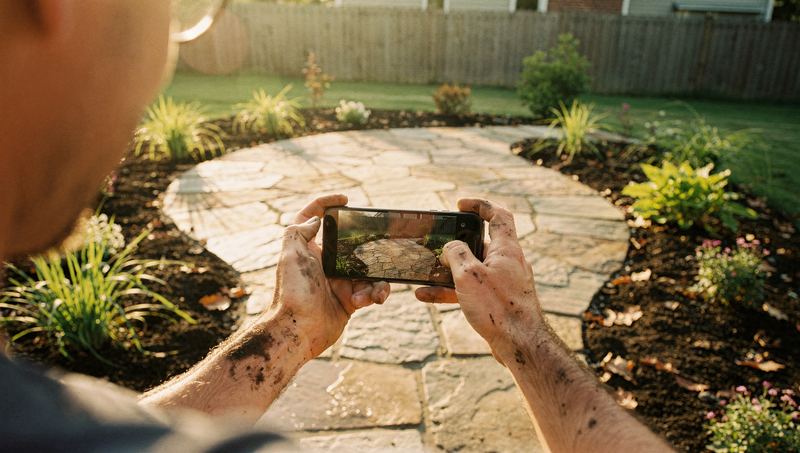
The most reliable post in the trades. Take both photos from the same spot, at the same height, in similar light. Post them as a carousel: before first, after second, a process shot third. It suits landscaping, cleaning, painting, roofing, tile and anything where the change is visible.
2. The fix in 30 seconds
A short vertical video: the problem, the cause, the fix, the result. "Why this AC wasn't cooling: a failed capacitor. Here's the old one, here's the new one, and here's cold air again." Keep it under a minute and add text on screen for anyone watching with the sound off.
3. What we found
The root mass pulled out of a sewer line, a melted wire connection, a clogged condensate trap, a bird nest in a dryer vent. These posts are interesting and they teach homeowners what to watch for. Explain calmly what it means. Don't use them to scare people, and always get the customer's permission.
4. Homeowner tips
Where your main water shutoff is. How to change a furnace filter. How to reset a GFCI outlet. When to stop watering the lawn in fall. How often to clean a dryer vent. People save and share these, and they position you as the helpful expert rather than the salesperson.
5. Your people and your trucks
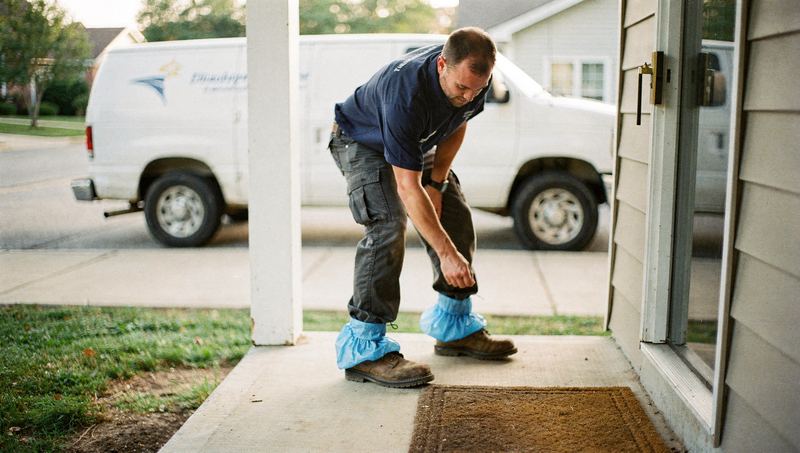
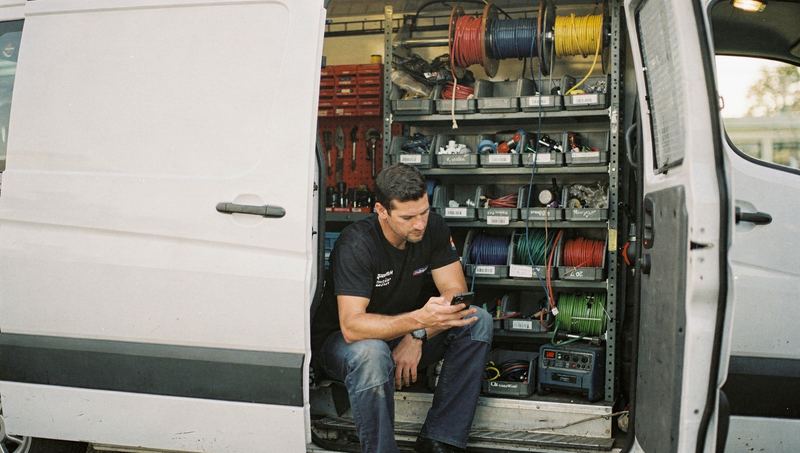
"This is [name], who might be ringing your doorbell this week." A photo of a tech with their name and how long they've been in the trade does a lot for trust. Get each person's consent before you post them, and respect anyone who'd rather stay off camera.
6. Real reviews
Pair a real review with a photo of that job. Use the reviewer's first name only, or ask their permission to share it. Never write reviews yourself or edit what a customer said.
Here are some starting ideas by trade:
| Trade | Post ideas |
|---|---|
| Plumbing | Tankless install walkthrough, camera footage of a root intrusion, how to find your shutoff |
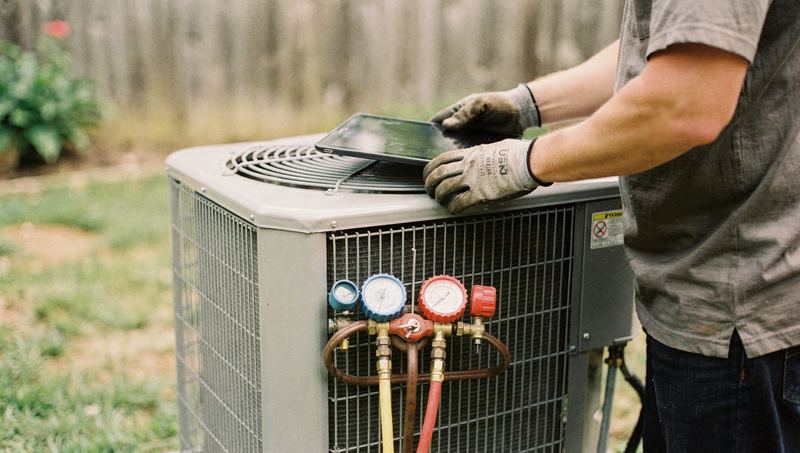
| HVAC | Dirty coil vs clean coil, filter change how-to, new system install time-lapse |
| Electrical | Panel before and after, EV charger install, how to reset a tripped breaker |
| Roofing | Tear-off to finished time-lapse, flashing detail close-up, crew safety setup |
| Landscaping | Spring cleanup before and after, patio build progress, plant of the month |
| Cleaning | Oven before and after, move-out clean walkthrough, the team's supply caddy |
How to shoot on the job without slowing down
- Take the before photo before any tool touches the job. Once work starts, the before is gone.
- Shoot vertical for Reels and Stories. Grab a few horizontal shots too for your website.
- Wipe the lens. Crawlspace dust and fingerprints ruin more photos than bad angles.
- Grab three to five second clips as you work instead of one long video. You can stitch them together later.
- Use light. Turn on your work light indoors. Outdoors, shoot with the sun behind you.
- Use a mount for time-lapses. A small tripod or magnetic mount makes painting, landscaping and roof tear-off footage easy.
- Give one person per crew the job of grabbing photos that day, so it doesn't fall to nobody.
What to keep out of the frame:
- House numbers, street signs, license plates, mail, family photos, alarm panels, keys, and anything that shows where valuables are
- Customers' faces, unless they've agreed
- Unsafe work: no harness on a roof, missing safety glasses, a ladder set up wrong. Your footage is a public record of how you work.
Ask permission as a routine. Add a line to your work order or send a simple text.
Script (text): "Mind if we share a photo of the finished work on our social media? We never show your address or anything personal. Totally fine if not."
Write captions people actually read
Use a simple formula: hook, what was going on, what you did, one tip, next step.
Example caption: "Fourteen years old and leaking from the tank. When the tank itself leaks, it can't be repaired, only replaced. We swapped it for a new 50-gallon, added a drain pan and hauled the old one away the same afternoon. Quick tip: if your water heater is over ten years old, check around the base for rust or dampness once a month. Serving [Town] and nearby. Book at the link in our bio."
A few more caption habits:
- Put the most important words first; long captions get cut off with a "more" link.
- Use a handful of specific hashtags, like your town plus your trade, rather than dozens of generic ones. Instagram changes how hashtags work from time to time, so check the current guidance.
- Tag the town as the location, never the customer's address.
If you're stuck for words, the caption collections for plumbers, HVAC companies, landscapers and home service businesses have plenty to start from.
Use Stories and Highlights as your storefront
Stories disappear after 24 hours, so they're perfect for everyday moments: the crew loading up at 7 a.m., a quick "on our way to a no-heat call", a poll asking "Which of these colors would you pick?" for a painter. They don't need to be polished.
Highlights keep your best Stories on your profile permanently. Treat them like a mini website:
- Services: one or two slides per main service
- Reviews: real reviews with job photos
- Service area: the towns you cover
- Prices and FAQ: starting prices or how pricing works, your hours, what happens after hours
- Team: the people customers will meet
- Maintenance plan: what's included, if you offer one
Reply to messages like you'd answer the phone
A message on Instagram is a lead. Decide who checks messages, how often, and how fast you'll reply. Here's a reply for a common question.
Customer: "How much to replace a water heater?"
Script: "Thanks for reaching out! Most standard tank replacements we do fall between $[low] and $[high], depending on size, fuel type and venting. To give you an exact price, could you send a photo of the label on the unit and the area around it, plus your zip code? Or you can book a visit here: [link]."
For comments, answer questions publicly and briefly, move pricing and personal details to messages, delete spam, and never argue. If an unhappy customer comments, reply once, calmly, with an offer to sort it out by phone.
A weekly routine that takes about an hour
| When | Task | Time |
|---|---|---|
| Monday | Pick the best photos and clips from last week and put them in a shared album | 10 minutes |
| Tuesday | Post a short video: a fix, a "what we found" or a tip | 15 minutes |
| Thursday | Post a before and after carousel | 15 minutes |
| Saturday | Post a team, truck or review post | 10 minutes |
| Every workday | Share one or two job Stories and reply to messages | 5 to 10 minutes |
Consistency matters more than volume. A steady two or three posts a week, every week, looks better to a customer checking you out than a burst of daily posts followed by silence.
Should you pay to boost posts?
Boosting turns a post into an ad shown to people in an area you choose. It can make sense for visual, planned work (patios, repaints, roof replacements, spring cleanups) and seasonal offers.
Before you spend, set the area to where you actually work, send people to your booking page or messages, set a small budget and an end date, and judge the result by messages and booked jobs, not likes. For urgent work like a burst pipe or a dead AC, remember that people searching Google are already trying to hire someone; people scrolling Instagram mostly aren't.
Measure what matters
Followers don't pay invoices. Track these instead:
- Profile visits and taps on your website link or contact buttons (Instagram's insights show these)
- Messages that turned into booked jobs
- Jobs where the customer said they found you, or checked you out, on Instagram
Ask every new customer "How did you hear about us?" and follow up with "Did you look us up anywhere else?" Plenty of people find you on Google and then check Instagram before calling. Both count.
Mistakes to avoid
- Posting only promotions and discounts
- Using stock photos or someone else's work
- Posting for two weeks, then disappearing for four months
- Arguing with a bad review or comment in public
- Showing a customer's home without asking
- Buying followers; they don't hire you
Instagram is one piece of how you look online. To see the rest, like your Google profile, reviews and website speed, get Zome's free AI report. It scores your online presence and lists what to fix first, in plain language.