Contents
Someone lands on your water heater page with a cold shower behind them and a phone in one hand. In a few seconds they want to know three things: do you do this job, do you come to my street, and how do I reach you? A service page that answers those questions quickly earns the next click, whether that is a call, a quote request or a booking. Here is how to build one, with examples from several trades and a checklist for every page on your site.
Give each service its own page
A single "Services" page with twenty bullet points makes the customer do the sorting. It also gives Google very little to go on when someone searches for one specific job. Give each main service its own page: drain cleaning, water heater replacement, AC repair, panel upgrades, move-out cleaning, termite inspections, garage door spring repair.
Start with the jobs that make up most of your work and the jobs you want more of. Smaller tasks can live as sections on a related page.
Name the job the way customers say it
Customers describe symptoms and outcomes, not trade terms. Use their words in the page title, the main heading and the first paragraph, then add the technical term if it helps.
| Vague or technical | Clear to a customer |
|---|---|
| Plumbing solutions | Water heater repair and replacement in {Town} |
| HVAC diagnostics | AC not cooling? AC repair in {Town} |
| Residential electrical services | Breaker keeps tripping? Electrical repair in {Town} |
| Overhead door systems | Garage door won't open? Spring and opener repair |
To find the right words, listen to how people describe the job on the phone, reread your texts and form submissions, and type the job into Google to see the searches it suggests. Those exact phrases belong on the page.
Put the essentials on the first screen
Most people will see your page on a phone. The first screen, before any scrolling, should answer the basic questions:
- What the service is, in the heading.
- Where you do it, in the heading or right below it.
- One true sentence about how you work, such as "Upfront price before we start" or "Licensed electricians, not subcontractors". Only write it if it is true every time.
- A way to reach you: a tap-to-call phone number and one button for a request or booking.
- When you are available, stated plainly. If you do not offer after-hours service, do not imply it.
Explain the job in plain English
Once someone knows you do the job, they want to know what it involves. Cover four things.
When to call. List the symptoms that mean this service is the right one. For a pest control page: droppings in the garage, mud tubes on the foundation, wasps around the eaves. For an electrical page: warm outlets, lights flickering on one circuit, a breaker that trips whenever the microwave runs.
What is included. Spell out what the visit or project covers. For a move-out clean: inside the oven and fridge, cabinets, baseboards and bathrooms. For a roof repair: the inspection, the repair, cleanup and photos of the finished work. Say what is not included too.
What happens after they call. A simple step list calms the worry of the unknown:
- You tell us what's going on by phone, text or the form.
- We confirm a time window and text you when the tech is on the way.
- The tech finds the problem and explains your options with a price for each.
- We do the work you approve, clean up and walk you through it.
Only list steps you actually follow.
How pricing works. You do not have to publish a price list, but you should explain how you charge. Is there a diagnostic or trip fee, and is it credited if they go ahead? Is it flat-rate by job, or time and materials? If you publish price ranges, keep them current. Our guide on how to price your services covers the thinking behind this.
Show the people and the real work
A customer is deciding whether to let a stranger into their home. Real proof helps more than big claims.
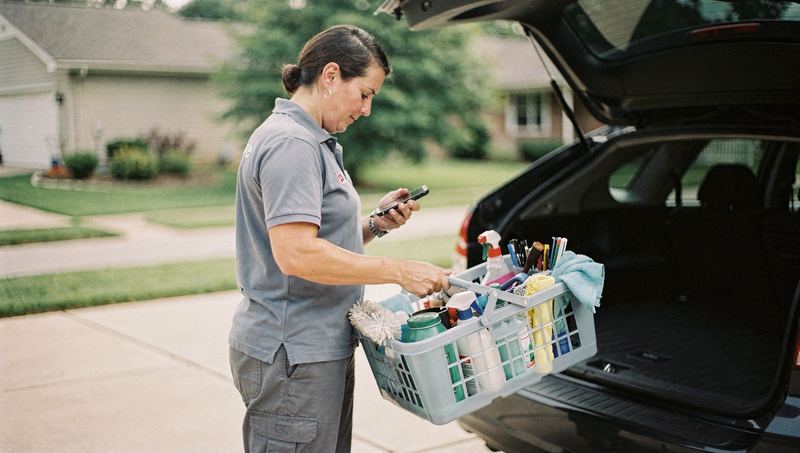
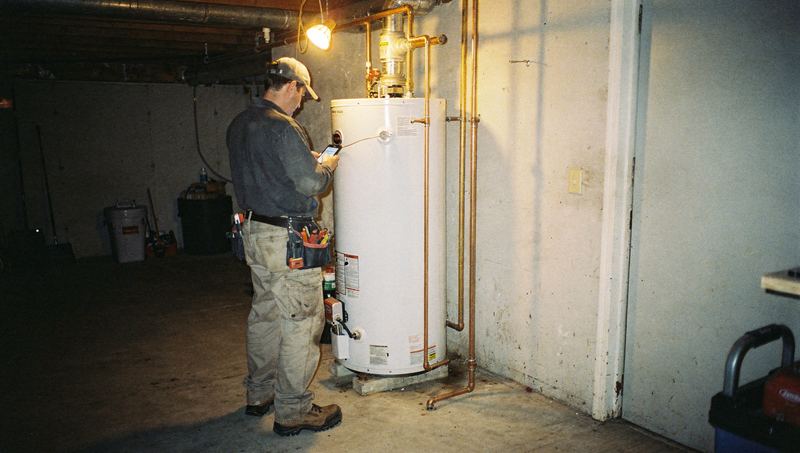
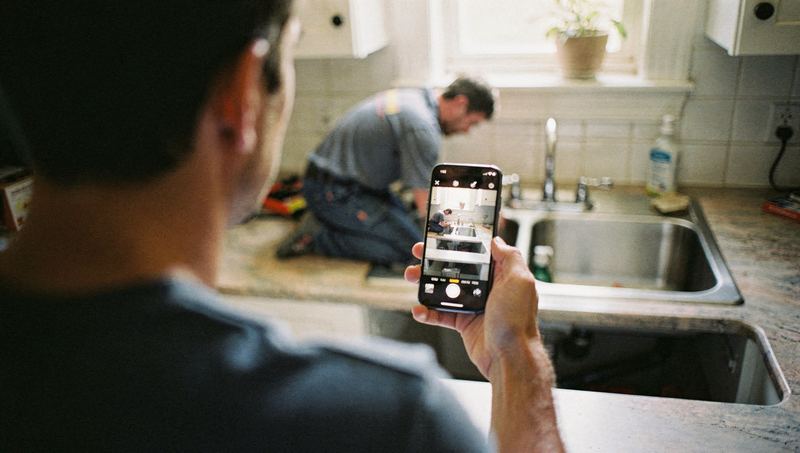
- Your own photos. Before and after shots, the crew on site, your trucks. A clean panel swap, a patio in progress, a freshly painted stairwell. Sharp, well-lit phone photos are fine.
- Captions with context. "Replaced a leaking 40-gallon water heater in a basement in {Town}" says more than "Recent work". Leave out house numbers and anything that identifies the customer unless they have agreed.
- Who shows up. A short line about the team, the owner's name and how long you have been in the trade.
- Credentials that apply. Licenses, insurance and manufacturer certifications, where they matter for the job. Only list what you hold today, and keep license numbers current.
- Your warranty in plain words. What is covered, for how long and what the customer needs to do to use it.
If you show reviews, use real ones from real customers and link to where they were posted. Do not edit them, and never write your own. Our guide to asking for reviews without filtering the truth explains how to build them up fairly.
Make the service area impossible to miss
A customer should never have to send an inquiry to find out you do not work in their town. Put your service area on every service page, not just the contact page.
- List the towns, neighborhoods or ZIP codes you serve as text. A map is a nice extra, not a substitute.
- If some services reach farther than others, say so. A roofer may inspect storm damage across the county but only take full replacements closer to home. A plumber may take emergency calls only nearby.
- If you charge extra for distance, explain that up front.
Avoid building dozens of near-identical pages that just swap in a different town name. They are thin for readers, and Google's spam policies warn against pages like these. If you want pages for specific towns, give each one something real, like jobs you have done there or local conditions that affect the work.
Answer the questions that stall a decision
Every trade has a handful of questions that come up on almost every call. Answer four to six of them on the page. Some examples:
- Roofing: "Do you work with insurance claims?" Explain what you do and what the homeowner handles.
- Cleaning: "Do I need to be home?" and "Do you bring your own supplies?"
- Pest control: "When is it safe for kids and pets?" Base the answer on the products you actually use and their labels.
- Garage doors: "Can I still use the door with a broken spring?" Give a clear safety answer.
- Painting: "Do you move furniture?"
If the honest answer is "it depends", say what it depends on.
Give one clear next step
Make the main action obvious and keep it within reach as people scroll. Usually that is a phone button and one form or booking button. More choices make it harder to decide, not easier.
Different jobs need different information. A repair request, a quote for a new system and a recurring cleaning schedule should not share one generic form. Ask only what your team will use. Our guide on getting the context before the callback goes into what to ask.
Then tell people what happens next. The confirmation screen and the auto-reply text should say who will respond and roughly when.
The service page checklist
Run each service page through this list. Fix the gaps on your most important pages first.
Test it like a customer
Once a page is live, check it the way a stranger would. Open it on your phone over a cellular connection, not office Wi-Fi. Notice how long it takes to find the phone number and the list of towns. Tap the number and make sure it rings the right line. Submit the form and see where it goes and what the customer sees next. Do it again after hours.
Then hand your phone to someone outside the trade and ask three questions. What does this company do? Do they come to my town? How would I book them? If they hesitate on any of those, you know what to fix.
Revisit each page a couple of times a year, because services, prices, crews and towns change. Name the job, show the work, say where you go and make the next step easy, and keep it that way.
If you want an outside view of where to start, Zome's free AI report checks your Google profile, website and reviews and shows who ranks above you locally.