Contents
- 1. Say what you do and where, right at the top
- 2. Tap-to-call on every screen
- 3. One main action per page
- 4. Real photos of your crew, trucks and work
- 5. A page for every service you want more of
- 6. A clear service area
- 7. Proof right next to the button
- 8. Price signals that set expectations
- 9. A short quote form that asks the right questions
- 10. Honest hours and emergency availability
- 11. Fast loading on a phone
- 12. Easy to read and use on a small screen
- 13. Spell out what happens next
- 14. Answers to the questions people actually ask
- 15. A footer that builds trust
- How the top of the page changes by trade
- Design choices that matter less than you think
- A 10-minute self-test
A homeowner with a leaking water heater or a dead AC doesn't admire your website. They scan it on a phone, often stressed, and decide in seconds whether to call you or go back to the search results. Good contractor website design isn't about clever animation. It's about answering three questions fast (do you do this, do you come here, can I trust you?) and then making it easy to get in touch. Here are 15 details that do that work.
1. Say what you do and where, right at the top
The first thing on the page should be a plain headline that names your main service and your area, like "Emergency plumbing in Tacoma and nearby towns" or "Weekly lawn care in north Austin." Skip the slogan. A visitor who has to scroll to find out whether you do what they need is already looking at the next result.
The right headline depends on your trade. An emergency plumber leads with speed and availability. A design-build landscaper leads with the kind of projects they take on. A cleaning company leads with the type of cleaning and whether it's one-time or recurring.
2. Tap-to-call on every screen
On a phone, your number should be a button that dials when tapped, and it should stay within reach as the visitor scrolls, usually in a bar pinned to the top or bottom of the screen. If you answer texts, add a text button too. Test it yourself: open your site on your phone and count the taps it takes to reach you.
3. One main action per page
Decide what you want visitors to do on each page, whether that's call, book or request a quote, and make that the most visible button. Use the same wording everywhere. A page with five equally loud buttons ("Call!", "Chat!", "Book!", "Quote!", "Subscribe!") makes people hesitate.
4. Real photos of your crew, trucks and work
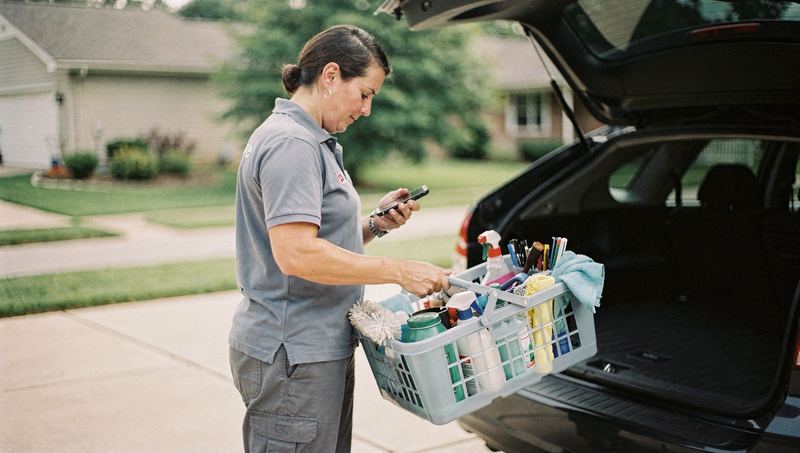
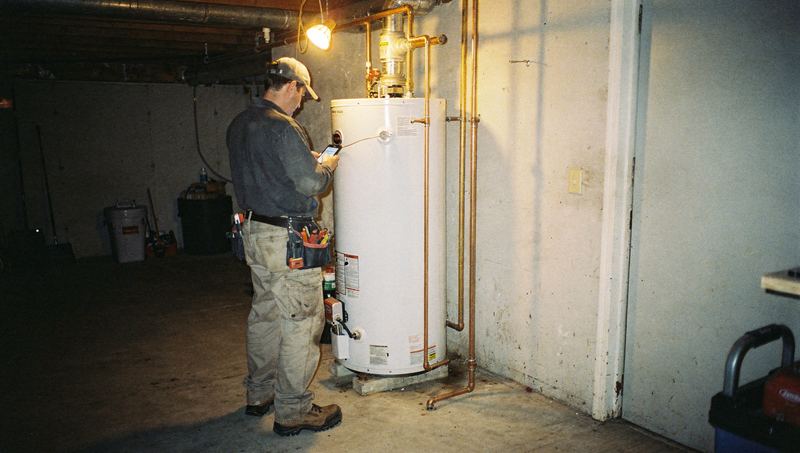
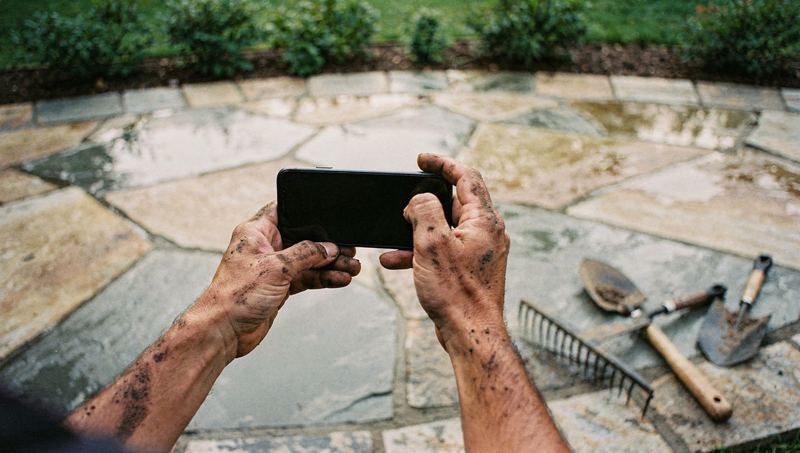
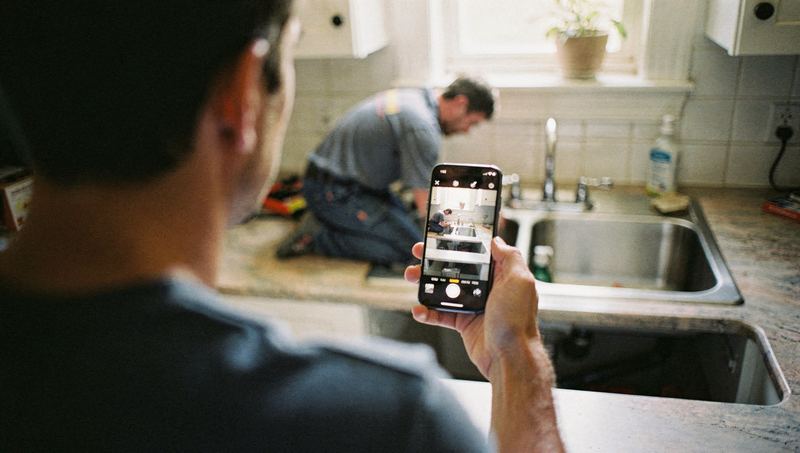
Stock photos of smiling models in spotless uniforms tell a homeowner nothing about who will ring their doorbell. Your real trucks, your team at work and before-and-after shots of real jobs do. You don't need a professional photographer to start. A recent phone with a clean lens, good daylight and a steady hand is enough. Make taking a few photos part of every good job.
5. A page for every service you want more of
One "Services" page with a bulleted list won't rank well or convince anyone. Give each important service its own page: drain cleaning, water heater replacement, sewer line repair. On each page, explain what's included, the signs someone needs it, what the visit looks like and how pricing works. Our service page checklist walks through each section.
6. A clear service area
List the towns, neighborhoods or ZIP codes you serve, and consider a simple map. It saves you calls from outside your area and reassures people inside it. If you create pages for specific towns, make each one genuinely useful, with real jobs, local details and photos. Near-identical pages with only the town name swapped don't help visitors and can hurt you in search.
7. Proof right next to the button
People call when they trust you, so put your proof beside the call or quote button, not buried on an About page:
- Your Google rating and a few real reviews, with a link to read more
- License numbers where your trade requires them
- Proof of insurance, if you're comfortable sharing it
- Any warranty you actually offer, in plain words
- Manufacturer or trade association credentials you genuinely hold
Only show what's true and current. An expired license number or a badge you no longer hold is worse than nothing. For earning more real reviews, see our guide to honest review requests.
8. Price signals that set expectations
You don't have to publish a full price list, but visitors want a sense of cost before they call. Helpful signals include:
- Whether estimates are free
- Whether there's a trip or diagnostic fee, and whether it's credited toward the repair
- Starting prices for common jobs you can price with confidence
- Whether you offer financing for bigger projects
Clear price signals mean fewer surprised customers and fewer calls from people who were never going to book.
9. A short quote form that asks the right questions
A good request form is short but useful. Ask for a name, phone number, address or ZIP code, the service needed, a short description and when they'd like the work done. Let people add photos, because a picture of a leaking valve or a cracked tile tells you more than a paragraph. Leave out anything you don't need before the first call. Our guide to better service inquiries has example questions for different trades.
10. Honest hours and emergency availability
State your hours clearly. If you offer emergency service, say what counts as an emergency, when you're available and whether after-hours rates apply. Only say "24/7" if someone really answers at 3 a.m. A customer who calls a "24/7" line during a burst pipe and gets voicemail won't call again, and may say so in a review.
11. Fast loading on a phone
Many visitors will be on a phone, sometimes with a weak signal in a basement or attic. Keep pages light: compress photos, avoid autoplaying background videos and heavy sliders, and remove plugins you don't need. Test your pages with a free tool such as Google's PageSpeed Insights, and try loading your site on cellular data rather than office Wi-Fi.
12. Easy to read and use on a small screen
- Text large enough to read without zooming
- Strong contrast between text and background, so it's readable outdoors
- Buttons big enough for a thumb, with space between them
- No pop-up covering the page the moment it loads
- Descriptions on images and clear labels on form fields, so people using screen readers can use your site too
13. Spell out what happens next
People hesitate when they don't know what happens after they press the button. Add a short section that walks them through it, for example:
- You call or send a request.
- We call back to confirm the details and book a time (say how quickly you really respond).
- The tech arrives, explains the options and gives you a price before starting any work.
- You pay when the job's done, by card or bank transfer.
Adjust it to match how your business really works. The point is to remove the unknowns.
14. Answers to the questions people actually ask
Collect the questions your office hears every week and answer them on the site. Common ones include:
- "Do you charge to come out?"
- "Do you work on my brand of furnace?"
- "Are you licensed and insured?"
- "Do I need to be home?"
- "Do you clean up afterward?"
- "How long will the job take?"
Put the relevant questions on each service page rather than all on one long FAQ page nobody finds.
15. A footer that builds trust
The bottom of every page should repeat the basics: business name, phone number, service area (and street address if you have a public location), hours and license numbers. Keep your name, address and phone exactly the same as on your Google Business Profile and other listings. Add links to your privacy policy and your main service pages.
How the top of the page changes by trade
The 15 details apply to every trade, but what goes first depends on why people are searching.
| Trade | What the visitor needs first | Good first-screen elements |
|---|---|---|
| Emergency plumbing | Someone who can come now | Headline with area, big call button, honest hours and emergency availability |
| HVAC | Repair now, or a plan for later | Separate buttons for repair and maintenance, brands serviced, financing note |
| Roofing | Trust for a big, rare purchase | Real project photos, license and insurance, a clear inspection offer |
| Cleaning | The right type of clean at a fair price | Service types, starting prices or how quotes work, online booking |
| Landscaping | Confidence in style and reliability | Project gallery, service area map, maintenance and design split |
| Handyman | Whether you'll take a small job | List of typical jobs, minimum charge, easy request form with photos |
Design choices that matter less than you think
It's easy to spend money on things visitors barely notice:
- Sliders and rotating banners. Anything on slide two or three is easy to miss, and sliders add weight to the page.
- Fancy animations. A little motion is fine. Anything that delays the phone number is not.
- A clever tagline. Plain beats clever when someone has water on the floor.
- Endless color and font debates. Pick something readable, match your trucks and move on.
A 10-minute self-test
Hand your phone to someone who has never seen your site, or do it yourself on cellular data, and check:
Every "no" is a fix to make. For the full build process, see how to build a contractor website that books jobs and our guide to high-converting contractor websites.
If you'd like a second opinion, Zome's free AI report checks your website's mobile speed and basics alongside your Google listing and reviews, and lists what to fix first.